 blog
Dealership Service Department Efficiency Software: 2026 Guide
Table of Contents
- Why Service Department Efficiency Software Matters for Dealership Profitability
- The Real Cost of Manual Service Workflows
- Automotive Service Scheduling Software and Appointment Management
- Service Department Workflow Automation: From RO Processing to Completion
- Dealership Customer Follow-up Software and Retention
- Choosing the Right Solution for Your Dealership Size and Operations
- Measuring Service Department Efficiency and ROI
- Frequently Asked Questions
Last Updated: October 17, 2026
Why Service Department Efficiency Software Matters for Dealership Profitability
Service departments are the profit engine of most dealerships, yet many operate on workflows designed decades ago. Manual processes, scattered customer data, and missed follow-up opportunities drain profitability every single day. A service manager juggling repair orders, technician schedules, and customer callbacks is managing chaos, not optimizing operations.
The real problem isn't that dealerships lack service capacity. It's that they leave money on the table by failing to turn service visits into lasting customer relationships. Every vehicle that rolls into your service bay represents an opportunity, not just for today's repair, but for repeat business, maintenance plans, and customer loyalty. When that opportunity is managed manually, it gets lost.
Dealership service department efficiency software transforms this dynamic. By automating workflows, connecting customer data across your operation, and eliminating manual follow-up, these platforms let your team focus on what actually drives profit: building relationships and completing work faster. DriveIQ is a comprehensive dealership customer-retention platform designed to transform every service visit into a recurring relationship. By seamlessly integrating rewards programs, prepaid maintenance, and targeted email outreach directly into your existing dealership workflow, the platform eliminates the need for manual follow-up.
The Real Cost of Manual Service Workflows
Manual service workflows don't just slow things down. They create cascading failures that compound throughout your operation. A repair order stuck in email limbo means a technician waits for parts. A forgotten customer follow-up means a missed upsell. A scheduling conflict means a vehicle sits longer than necessary.
These individual failures add up to real money lost. When service completion stretches across multiple days instead of hours, your shop capacity shrinks. When technicians spend time tracking down information instead of working on vehicles, use drops. When customers don't hear from you after service, they don't return.
The hidden cost is operational visibility. Without a clear view of what's happening in your service lanes, which vehicles are ready, which repairs are delayed, which customers need follow-up, your team makes decisions based on guesswork.
Manual workflows also create consistency problems. One service advisor follows up with customers; another doesn't. One technician documents repair details thoroughly; another leaves notes vague. This inconsistency makes it impossible to identify patterns, improve processes, or hold your team accountable to standards.
Automotive Service Scheduling Software and Appointment Management
Service scheduling is where efficiency begins. A dealership that books appointments efficiently fills its service lanes, reduces technician downtime, and delivers faster turnaround times. A dealership that doesn't wastes capacity every single day.
Automotive service scheduling software moves scheduling from a phone call and a paper calendar to a system that sees your entire operation at once.
The efficiency gains compound. When appointments are scheduled correctly, technicians know what's coming. Parts can be ordered in advance. The service lane stays full without overtime pressure. Customers arrive at the right time and don't wait around.
Customer communication improves too. Automated reminders reduce no-shows (pubmed.ncbi.nlm.nih.gov). Customers know their appointment time and can plan accordingly. When service is ready, they get notified immediately instead of wondering when to pick up their vehicle. This reduces the friction that makes customers switch dealerships.
The best appointment management systems integrate with your parts inventory and technician schedules. This prevents the common trap: booking an appointment, then discovering the part isn't in stock or the technician is overbooked. Real-time integration means every appointment you confirm is one you can actually deliver.
Service Department Workflow Automation: From RO Processing to Completion
Repair Order Processing and Technician Productivity
A repair order is the heartbeat of your service department. It captures what the customer needs, routes work to technicians, tracks progress, and generates the invoice.
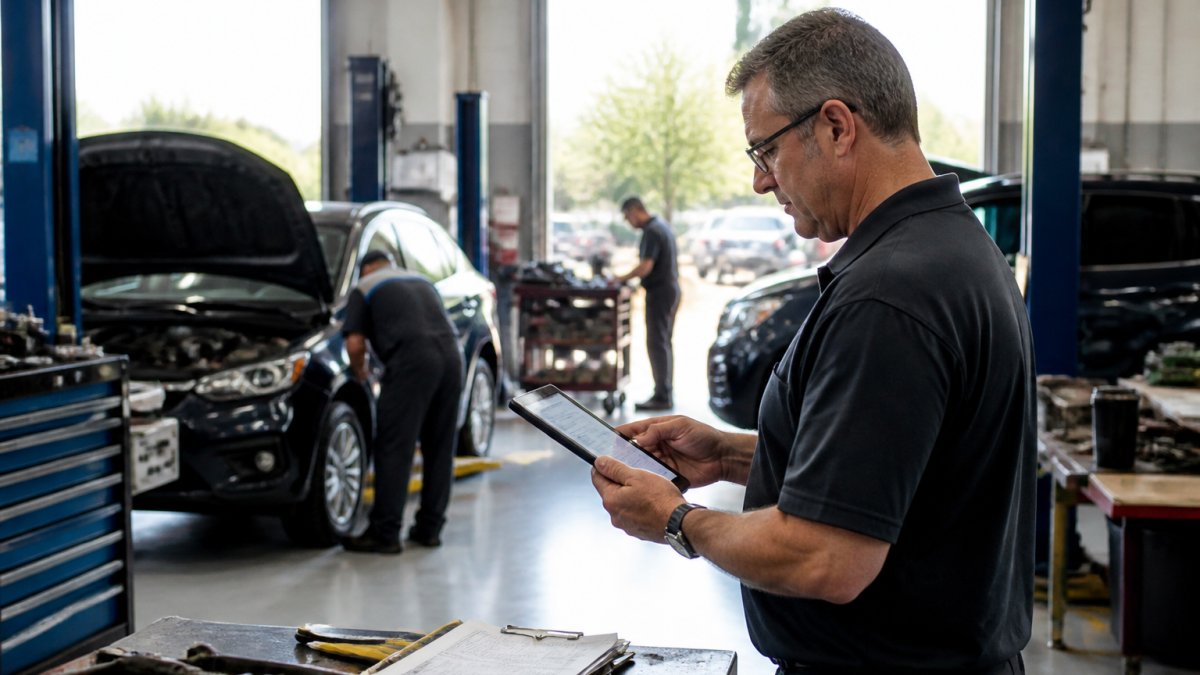
Service department workflow automation starts with RO creation. Instead of handwriting or manually typing information, data flows directly from your customer intake into the system. Vehicle history, service history, and customer preferences are already there.
From there, the RO routes automatically to the right technician based on skill and availability.
This automation directly improves technician productivity. A technician who spends 30 minutes a day hunting for paperwork, checking schedules, and confirming what's next is losing 2.5 hours per week.
The second productivity lever is parts availability. When a technician discovers a part is missing mid-repair, the vehicle stalls. The customer's appointment stretches from two hours to three days.
Completion time matters more than most dealerships realize. A vehicle that takes three days instead of one doesn't just frustrate the customer.
Parts Inventory and Ordering Integration
Parts inventory is where service departments leak money silently. Too much inventory ties up cash. Too little inventory creates delays. The wrong parts in stock mean rush orders and emergency shipping costs.
Service department workflow automation connects parts management directly to repair order processing. When an advisor creates an RO for a brake service, the system checks if the brake pads are in stock. If not, it can flag the shortage, suggest alternatives, or automatically trigger an order.
Real-time inventory visibility prevents the common scenario: ordering parts you already have because nobody knew they were in stock. It also prevents the opposite problem: running out of high-use parts because you didn't see the usage pattern. Automated systems track what you use, predict what you'll need, and can even suggest reorder points based on your service volume.
Integration with your DMS means parts usage flows directly from the service bay to your accounting. You're not reconciling parts counts at month-end; you're tracking them in real time. This accuracy matters for cost analysis, pricing decisions, and identifying theft or waste.
Dealership Customer Follow-up Software and Retention
The service visit is only half the story. What happens after the customer leaves determines whether they return.
Dealership customer follow-up software automates the touchpoints that build loyalty. After service is complete, the system can send a satisfaction survey, request a review, or offer a prepaid maintenance package, all without your team manually sending emails or making calls. Customers get consistent communication.
The retention use comes from personalization. A customer who just had an oil change can receive a reminder when their next service is due. A customer who bought a prepaid maintenance plan sees it tracked and applied automatically.
Many dealerships try loyalty programs and see them fail because execution is inconsistent. One advisor enrolls customers; another forgets. One follows up; another doesn't. Automation removes the human inconsistency. Every customer gets the same treatment. Every follow-up happens on schedule.
The data from follow-up systems also reveals patterns. You can see which customers are at risk of switching, which services drive repeat business, and which advisors are best at retention. This intelligence lets you focus resources where they matter most.
Choosing the Right Solution for Your Dealership Size and Operations
Not every dealership needs the same solution. A five-bay shop has different requirements than a 20-bay operation. The software you choose should match your complexity and scale.
Small dealerships often start with basic appointment scheduling and RO management. The priority is eliminating manual scheduling chaos and giving technicians clear work queues. Complexity around advanced analytics or multi-location management isn't needed yet. The focus is on getting the fundamentals right.
Mid-size dealerships typically need tighter integration across scheduling, parts, and customer follow-up. You're running close to capacity most of the time, so optimization matters more. You also have enough service volume that patterns in the data become valuable for decision-making.
Larger dealerships need comprehensive platforms that handle multiple service lanes, complex scheduling, parts coordination, and customer relationship management all in one system. At this scale, integration depth matters because disconnects between systems create inefficiency across the entire operation.
Integration and Data Portability Considerations
Software is only useful if it connects to your existing tools. Your DMS holds customer data, vehicle history, and service records. Your email system handles customer communication. Your accounting software tracks revenue and costs. If your service software doesn't integrate with these systems, you're creating duplicate work and data inconsistencies.
When evaluating solutions, ask specific questions about integration. Can the software pull customer data from your DMS automatically? Can it sync appointment changes in real time? Can it push completed service records back to your DMS for billing? Can it export data if you decide to switch platforms later?
Data portability is often overlooked but critical. You own your customer data and service history. If a software vendor locks you in by making it impossible to export your data, you lose use and flexibility. Choose platforms that let you access and export your information in standard formats.
Implementation and Team Adoption
The best software fails if your team doesn't use it. Implementation is where many dealerships stumble. They underestimate the training required and overestimate how quickly adoption happens.
Successful implementation requires clear communication about why the change is happening. Your team needs to understand that the software is designed to make their jobs easier, not to monitor them. A service advisor who sees the scheduling system as a tool that eliminates double-booking is more likely to adopt it than one who sees it as surveillance.
Training needs to be hands-on, not theoretical. Your advisors need to practice creating appointments and ROs in the new system. Your technicians need to see how the work queue appears on their devices. Your managers need to understand how to read reports and act on the data. This takes time and repetition.
Staff adoption also depends on quick wins. If the system delivers visible benefits in the first week, fewer scheduling conflicts, faster RO creation, clearer technician queues, adoption accelerates. If implementation feels like extra work with no immediate payoff, resistance hardens.
Measuring Service Department Efficiency and ROI
Efficiency improvements only matter if they translate to profit. Measuring ROI requires defining what you're tracking and establishing baselines before implementation.
Start with the metrics that matter most to your dealership. Service throughput, vehicles completed per day, is fundamental.
Technician use measures how much time technicians spend on billable work versus administrative tasks or waiting. A technician who goes from 60% billable time to 75% is more productive.
Customer retention is the longer-term metric. Track how many customers return for service within 12 months. Track how many take advantage of prepaid maintenance or loyalty offers.
Operational cost reduction also matters. Are you carrying less inventory because you're ordering smarter? Are you paying less for emergency parts orders? Are you reducing administrative labor because workflows are automated? These savings compound.
The honest truth is that ROI timelines vary. Some dealerships see meaningful improvements within 30 days. Others need 90 days to fully implement and adopt new processes.
Service department efficiency isn't about working harder. DriveIQ integrates rewards programs, prepaid maintenance, and targeted customer communication directly into your workflow, eliminating the manual follow-up that falls through the cracks.
Frequently Asked Questions
What features should dealership service department efficiency software include?
Effective service department efficiency software should integrate repair order processing, appointment scheduling, technician assignment, parts inventory management, and customer communication into one platform. Look for tools that automate follow-ups after service completion, track vehicle downtime, provide real-time operational visibility, and connect service data to customer retention programs. The software should work within your existing dealership workflow rather than forcing you to change how your team operates.
How can dealership customer follow-up software actually increase repeat service visits?
Dealership customer follow-up software automates the process of reaching out after each service visit, ensuring no customer falls through the cracks. By sending timely reminders about maintenance schedules, offering prepaid maintenance options, and tracking customer preferences, the software keeps your dealership top-of-mind. When follow-up is consistent and personalized rather than sporadic or generic, customers are more likely to return for their next service instead of going to a competitor.
Can dealership service department efficiency software work alongside my current DMS and email system?
Integration capability varies significantly between solutions. Before committing, verify that the software can pull data from your existing dealer management system and email platform without requiring manual data entry or workarounds. Ask potential vendors for a technical integration roadmap and references from dealerships running similar systems. Poor integration often leads to duplicate work and data inconsistencies that undermine the efficiency gains you're trying to achieve.
What's the typical implementation timeline for service department efficiency software?
Implementation typically takes 4-12 weeks depending on your dealership's size, complexity, and how much customization is needed. Smaller dealerships with straightforward workflows may go live in 4-6 weeks, while larger operations with multiple service lanes and complex parts systems may need 8-12 weeks. Plan for staff training, data migration, and a period where your team runs both the old and new systems in parallel. Success depends heavily on staff buy-in and clear communication about why the change matters.