 how-to
Automotive Service Software Training Requirements
Table of Contents
- Understanding Automotive Service Software Training Requirements
- Assessing Your Team's Technical Baseline and Device Compatibility
- Building a DMS Training Plan for Dealership Staff
- Service Advisor Software Training: Role-Specific Onboarding
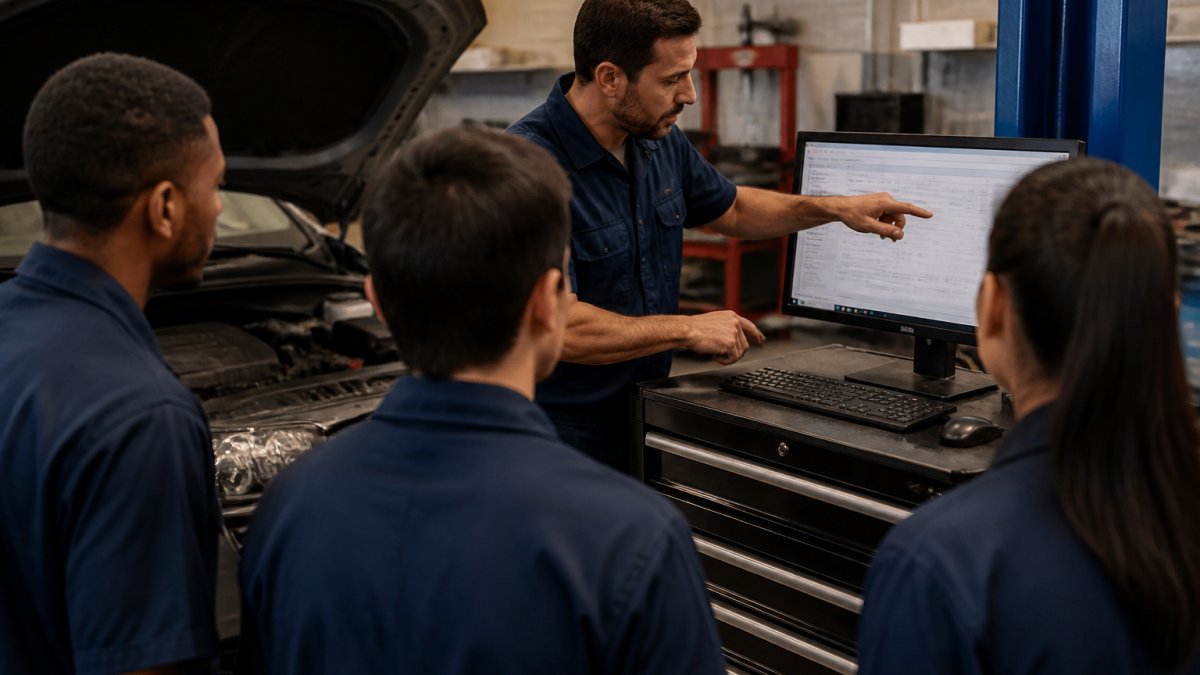
- Automotive Technician Training Program Integration
- Automotive Software Training Checklist and Implementation Sequence
- Measuring Training Effectiveness and Ongoing Support
- Frequently Asked Questions
Last Updated: October 20, 2026
Understanding Automotive Service Software Training Requirements
Training your team on automotive service software isn't a one-time event. It's a structured process that determines whether your dealership gets real value from the platform or watches it sit unused.
The difference between a successful rollout and a failed one comes down to planning. Teams that skip proper training waste months recovering from poor data entry, missed follow-ups, and frustrated staff. Teams that invest upfront in automotive service software training see adoption rates above 90% within the first month.
At DriveIQ, we work with dealerships of all sizes. The pattern is clear: your training strategy must match your team's technical baseline, your staff's actual roles, and your dealership's workflow. One-size-fits-all training fails; role-specific, hands-on training succeeds.
Below, we'll walk through the steps to build a training plan that sticks, from device compatibility to role-specific onboarding to measuring whether training is working.
Assessing Your Team's Technical Baseline and Device Compatibility
Before you write a single training module, you need to know what you're working with.
Start by identifying your team's technical comfort level. Are your service advisors using email daily? Do your technicians know how to navigate Windows 10 or macOS? Have your finance managers worked with spreadsheets and data entry systems?
Don't assume, ask directly. A technician who's never used a computer beyond texting needs different training than one who uses multiple systems daily.
Next, check your hardware and software requirements:
- Operating system: Does your system run on Windows 10, Windows 11, or macOS? Are any team members using older machines that can't upgrade?
- Internet connectivity: Is your dealership's WiFi stable enough for real-time data syncing? Do you have backup connectivity if WiFi drops?
- Device types: Will staff use desktop computers, laptops, or tablets? Each requires different training approaches.
- Browser compatibility: Does your software work in Chrome, Edge, Safari, or all three?
- Third-party tools: Do your team members need Microsoft Office, email clients, or other programs to use the software alongside it?
Document these details. Share them with your software vendor before training begins. Incompatibility issues discovered mid-training derail everything.
Building a DMS Training Plan for Dealership Staff
A training plan isn't a document you file away. It's a living roadmap that guides your team from day one through month three and beyond.
Start with your timeline. Most dealerships need 3-4 weeks from software purchase to full team adoption. Here's a realistic structure that accounts for the fact that your service department can't shut down while you train:
- Week 1: Core systems training (what the software does, how data flows between service, parts, and accounting)
- Week 2: Role-specific modules (service advisors learn their section, technicians learn theirs, parts staff learn inventory and ordering)
- Week 3: Hands-on practice with real dealership data, including error correction and edge cases
- Week 4: Go-live with support staff available for questions, plus a daily 15-minute stand-up to surface issues
Identify your training champions: the 2-3 staff members who learn first and deepest, answer peer questions, and catch issues before they spread. Choose people who are detail-oriented and patient, not necessarily the most senior.
Create a training schedule that doesn't shut down your service department. Stagger training by role and shift: train first-shift advisors while the second shift handles customers.
Document everything in writing. Create simple one-page guides per role with screenshots and step-by-step instructions for the most common tasks, so materials are ready when a new team member joins three months later.
Build in a feedback loop. At the end of each week, ask your training champions what confused people most. Adjust the next week's sessions accordingly.
Finally, define what "trained" means for each role before you start.
Service Advisor Software Training: Role-Specific Onboarding
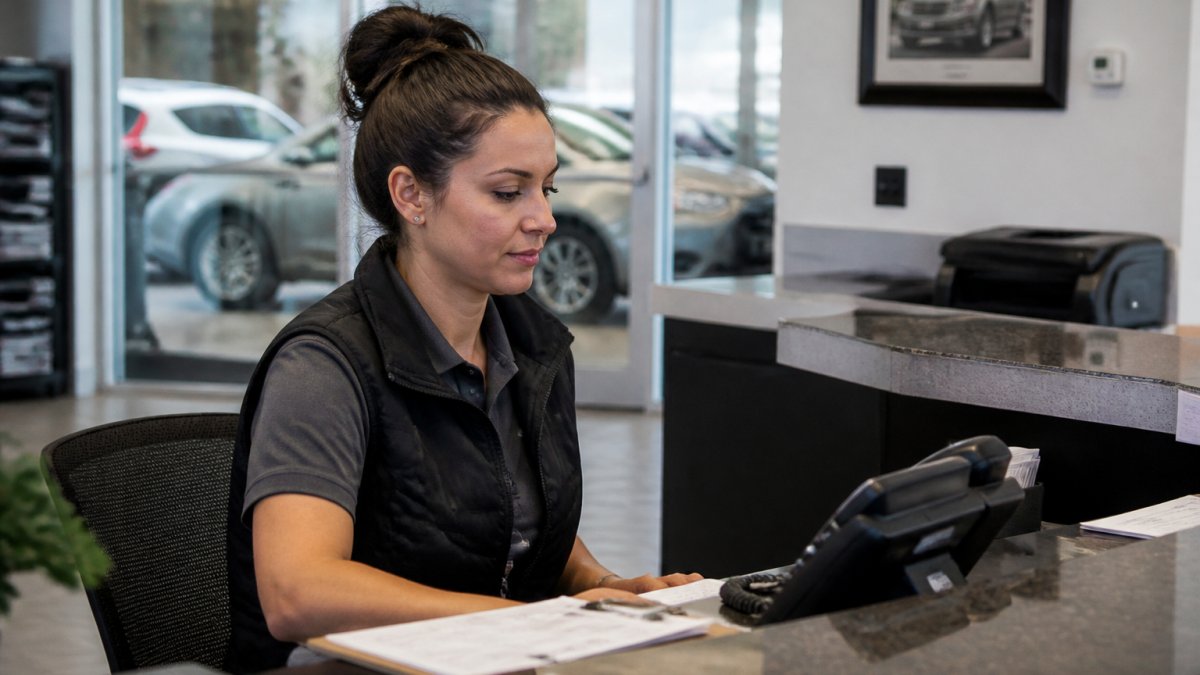
Service advisors touch the software every single day. They need the deepest training of any role.
Start with the fundamentals. Show your service advisors how to:
- Pull up a customer's service history and vehicle information
- Enter new service requests accurately
- Update job status as work progresses
- Generate service reminders and follow-up communications
- Access customer contact information and preferences
Then move to the workflow. Walk through a typical day: a customer calls, the advisor looks up their vehicle, schedules service, and enters notes. Show how the software tracks that interaction and prepares follow-up messages automatically.
For dealerships using DriveIQ, emphasize how the platform integrates directly into their workflow. Service advisors don't need to switch between five different tools.
Practice with real data, actual customer records, not dummy accounts, and let your service advisors make mistakes in a controlled environment before go-live.
Include a section on common errors and how to fix them. Data entry mistakes cascade through the system. A phone number entered wrong means the system can't reach the customer. A service date recorded incorrectly creates scheduling conflicts.
Automotive Technician Training Program Integration
Technicians interact with the software differently than advisors do. They need access to job information, but they don't need to manage the full customer relationship.
Focus technician training on what they actually need:
- Pulling up their assigned work orders
- Reviewing customer vehicle history and previous repairs
- Logging time spent on each job
- Noting any additional issues discovered during service
- Marking jobs complete when finished
Technicians often resist software training, seeing it as paperwork that slows them down. Frame it differently: show how the system pulls up previous repairs on the same vehicle, flags recall issues, and suggests service recommendations based on mileage.
Keep technician training short, 30-45 minutes is enough. They don't need the full system, just their piece of it.
For dealerships with multiple service bays, consider training by shift or by specialty. Train your brake specialists separately from your general service technicians. They may use different sections of the software.
Automotive Software Training Checklist and Implementation Sequence
A checklist keeps your training organized, but a generic project checklist isn't enough for automotive service software.
Use this sequence as your roadmap. Adjust the owners and deadlines to fit your dealership's size and your vendor's onboarding process.
| Task | Owner | Deadline | Status |
|---|---|---|---|
| Audit device compatibility and connectivity across team | IT/Manager | Week 1 | Pending |
| Identify training champions by role | Manager | Week 1 | Pending |
| Export and clean legacy customer and vehicle data | IT/Manager | Week 1-2 | Pending |
| Configure repair order and estimate workflows | Manager/Vendor | Week 2 | Pending |
| Set up user accounts and role-based permissions | IT/Manager | Week 2 | Pending |
| Create role-specific training materials | Manager/Champion | Week 1-2 | Pending |
| Schedule training sessions by role and shift | Manager | Week 1 | Pending |
| Conduct core systems training | Champion/Vendor | Week 2 | Pending |
| Deliver role-specific modules (advisors, technicians, parts, managers) | Champion | Week 2 | Pending |
| Practice with live dealership data, including error correction | Team | Week 3 | Pending |
| Test integrations with existing tools (accounting, parts ordering) | IT/Vendor | Week 3 | Pending |
| Identify and resolve technical issues | IT/Vendor | Week 3 | Pending |
| Conduct go-live readiness check against completion criteria | Manager | Week 4 | Pending |
| Launch system and monitor first week with daily stand-ups | All | Week 4+ | Pending |
Start with the basics. Don't teach every feature in week one, teach the 20% that handles 80% of daily work. For service advisors, that means customer lookup, repair order creation, estimate generation, and status updates. For technicians: viewing assigned jobs, clocking time, and marking jobs complete. For parts staff: inventory lookup, ordering, and receiving. For managers: reporting dashboards and user administration.
Sequence matters. Configure workflows before you train on them, there's no point teaching a service advisor to create a repair order if the estimate-to-invoice workflow isn't set up.
Build in a data validation step before go-live. Have your training champions spot-check migrated records against the old system. Look for missing phone numbers, duplicated customer entries, incorrect vehicle information, and service history that didn't transfer.
Finally, plan your go-live support. Identify who will be on the floor during the first week, training champions, a vendor rep, or both, and make it easy for staff to ask for help. A simple rule works well: if you're stuck for more than two minutes, ask.
Measuring Training Effectiveness and Ongoing Support
Training doesn't end on go-live day. It continues through your first month and beyond.
Track these metrics to know whether your training worked:
- System adoption rate: What percentage of your team is actually using the software daily? If it's below 80% after two weeks, training failed somewhere.
- Data quality: Are service records complete and accurate? Spot-check 20 records per week. Look for missing phone numbers, incomplete service descriptions, or incorrect vehicle information.
- Time per transaction: Are service advisors processing customers faster or slower than before? A small slowdown in week one is normal. By week three, they should be faster than they were with the old system.
- Customer communication: Is the software sending follow-up messages automatically? Are those messages reaching customers? Check your email delivery rates.
- Staff questions: How many questions are your team asking each day? A high number in week one is normal. By week three, questions should drop sharply.
Schedule a one-week check-in. Ask what's working and what's confusing, and address small issues before they become big ones.
Plan for ongoing training. New hires will join your team. Software updates will roll out. Your training plan needs to accommodate both. Create a 30-minute onboarding module for new staff. Update your training materials whenever the software changes significantly.
Training your team on automotive service software isn't about checking a box. It's about setting your dealership up to actually use the platform and see results. Structured, role-specific training in your first month pays dividends for years.
DriveIQ's platform is built with training in mind. It integrates directly into your existing dealership workflow, which means your team learns faster because they're not juggling multiple systems.
Start with a clear assessment of your team's technical baseline. Build a realistic timeline. Deliver role-specific training that matches how your staff actually works. Measure adoption and data quality in your first month.
Frequently Asked Questions
What training do employees need to use automotive service software?
Employees need role-specific training on software navigation, data entry, customer management features, and integration with your dealership workflow. Service advisors require training on scheduling, customer communication, and loyalty program management. Technicians need access to repair procedures and diagnostic tools within the software. Most teams benefit from hands-on training sessions, written documentation, and ongoing support resources. Training duration depends on software complexity and your staff's technical background.
How do you train service advisors on dealership software?
Start with foundational training on software interface and basic functions, then progress to customer-facing workflows like appointment scheduling and service recommendations. Include practice sessions with sample customer records. Cover email templates, follow-up automation, and how to access customer history and service records. Pair new advisors with experienced staff for shadowing. Provide quick-reference guides and ensure access to support resources. Reinforce training with monthly refreshers as new features roll out.
What should an automotive software training checklist include?
A comprehensive checklist should cover system access and login procedures, software navigation and core functions, role-specific workflows, data entry standards, customer communication tools, integration with your DMS, troubleshooting common issues, and security protocols. Include device setup requirements (Windows 10, macOS compatibility), Microsoft Office integration, and portal access. Add checkpoints for hands-on practice, competency verification, and sign-off by management. Track completion dates and schedule refresher training for software updates.
How can a shop measure whether software training is working?
Track adoption metrics like software login frequency, feature usage rates, and data entry accuracy. Monitor service department KPIs including customer follow-up completion rates, appointment booking speed, and customer retention. Compare pre- and post-training metrics for repeat service visits and customer lifetime value. Gather staff feedback through surveys and one-on-ones to identify training gaps. Review customer satisfaction scores and response times to service inquiries. Measure time-to-competency for new hires using the same training program.